

If you haven’t used the Compare tools on HistoricAerials, you’re missing out on something spectacular! I use the Image Viewer mostly to explore and help me understand the history of my local area, and I always use the Compare tools.
It’s like looking down from space with a time-machine telescope!
The Compare tools are very useful features that lets the user overlay two different map layers and view them in different ways. These tools allow you to visualize the changes over time with aerial imagery from two different years. It also helps you identify features in the landscape with a topographic map (Is it a road, a pipeline, or power transmission line?).
The spotlight is my favorite Compare tool; it’s the one I use the most. With this tool, you’re peering through one place and time into another. It’s like looking down from space with a time-machine telescope! For those who haven’t tried this yet, let me walk you through it.
- Start by opening the Image Viewer.
- After selecting the layer that you want to view in the left toolbar, select “compare” from the tool features listed underneath and choose spotlight tool.
- The toolbar on the right will then pop out. Choose a second layer from aerials, topos, or atlases.
Experiment with the different layers to get different perspectives. Here are some examples of what you might find:
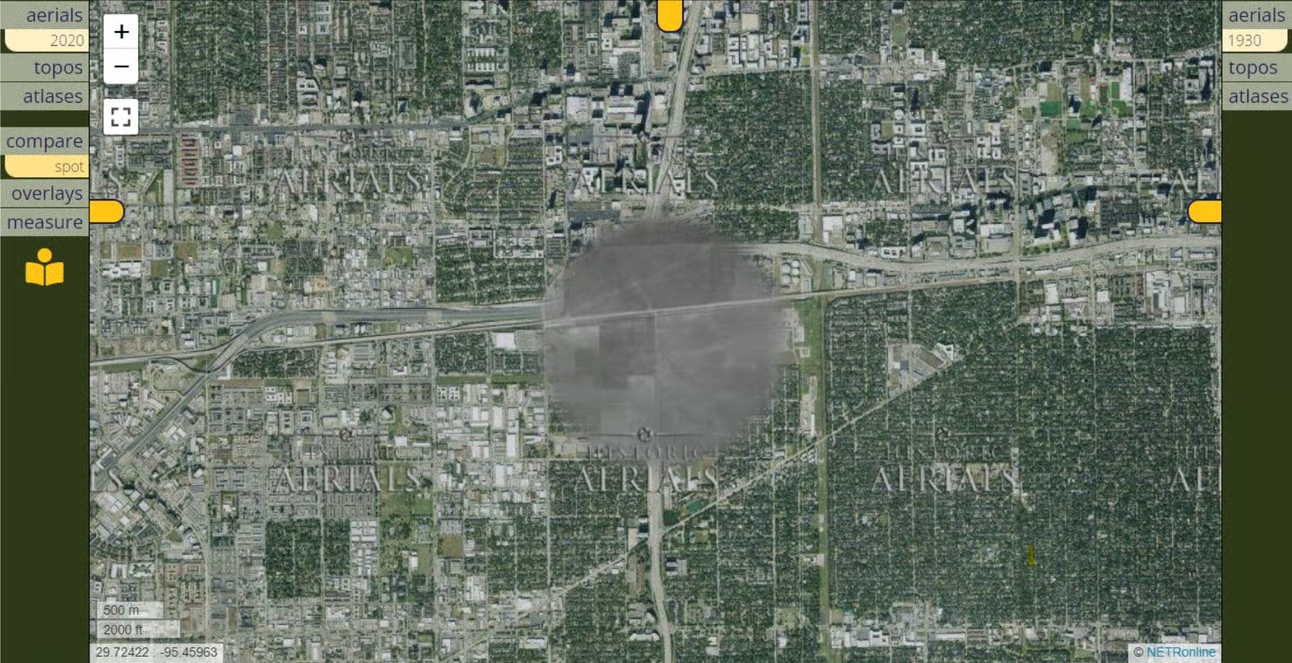
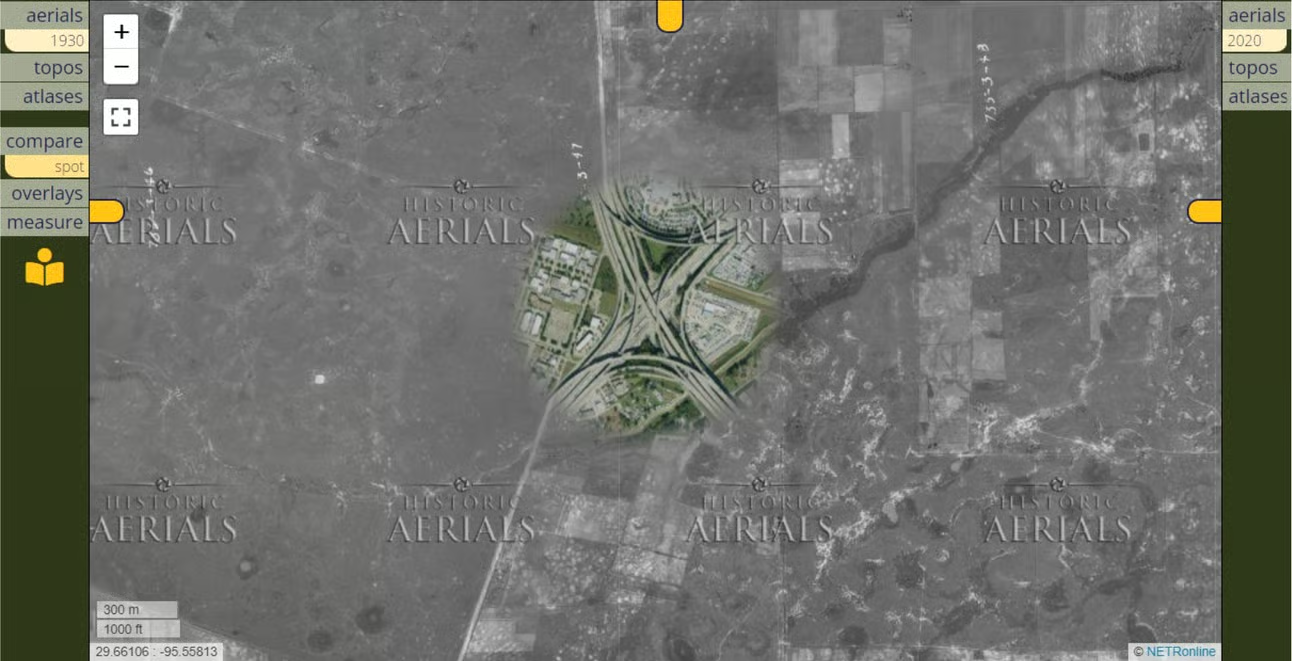
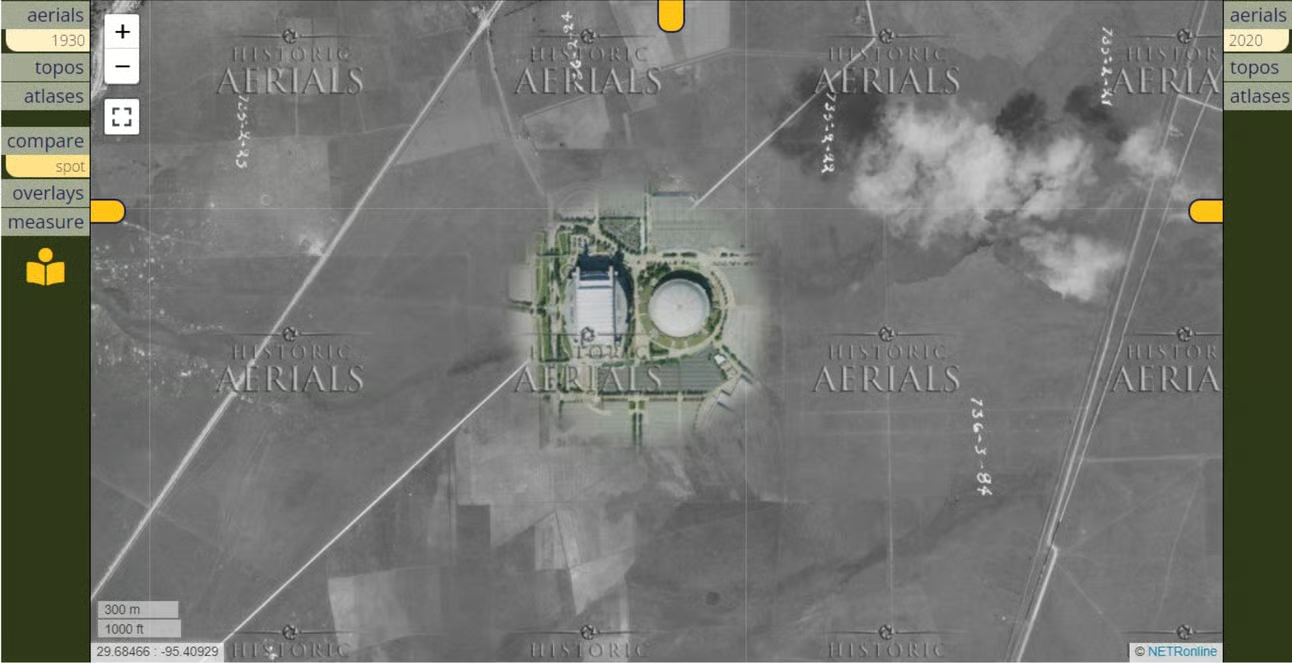
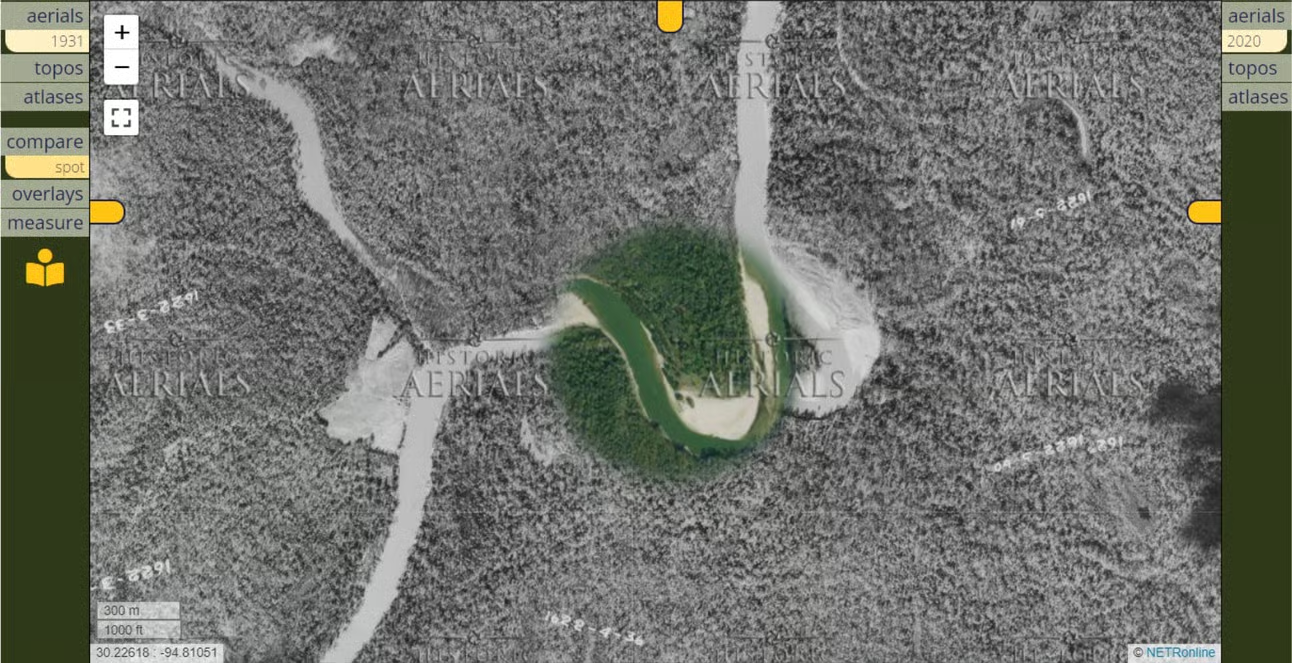
These are just a sample of the very cool things you might find. I encourage you to check the Compare spotlight tool on HistoricAerials. Go peer through time at the places you think you’re familiar with – you’re almost certain to discover something about it that you didn’t know before.